noc724
Service status
Uptime Last 90 days
100.000%
Last 24 hours
100.000%
Last 7 days
99.980%
Last 30 days
99.374%
Last 90 days
Earn trust through
transparency with a
hosted status page.
Create a single place to check what's happening during maintenance or incidents, with live status, uptime history and incidents for everyone who depends on you.
Protect revenue and credibility
when things go wrong.
Deliver calm & fast incident updates
Defuse "Is it down?" tickets at source
Give your teams a single link to share
Own the narrative ahead of rumors
Prove your operational maturity
Keep your own team in the loop
How to create a status page
in 3 steps?.
Level up your incident communication and turn unfortunate incidents in your favour. Set up a status page.
Bring your whole team in.
Monitoring
Incidents
Status pages
Maintenance
Team members
Integrations & API
N.noc724 team
Invite team member
Phone number
Role
Notify only ⌄CancelSend inviteAdd logo
CancelSave logoMake your status page match your brand.
Public or private, your choice.
Monitoring
Incidents
Status pages
Maintenance
Team members
Integrations & API
N.noc724 team
Access.
Password
Status page with all you need.
Your own address
Every page gets its own URL that you choose, ready to link from your site and app.
Private status page
Hide it from search engines and protect it with a password.
Incident history
Show incidents with start, end and duration on the page - or turn them off.
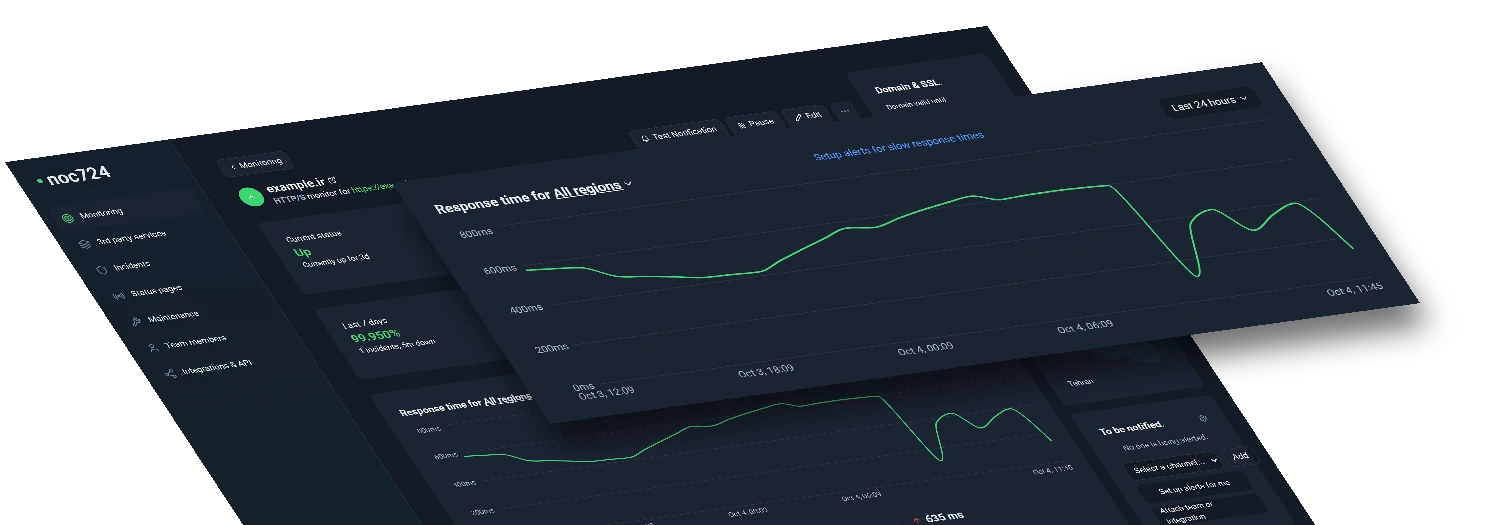
Response times
Visitors can open each monitor to see its recent response times and uptime.
Your logo
Add your logo so the page looks like part of your product.
Decide what to share
Pick exactly which monitors appear, or add new monitors automatically.
Do more with your
status page.
Go beyond "up/down": keep pages in sync with your monitors, share the work with your team and show any kind of service.
Use the API to manage status pages
Invite anyone to collaborate
One status page for any monitor type
Most popular ways teams
use status pages.
Improve internal incident coordination and communication
Show the health of your critical endpoints
Support SLA conversations with uptime history
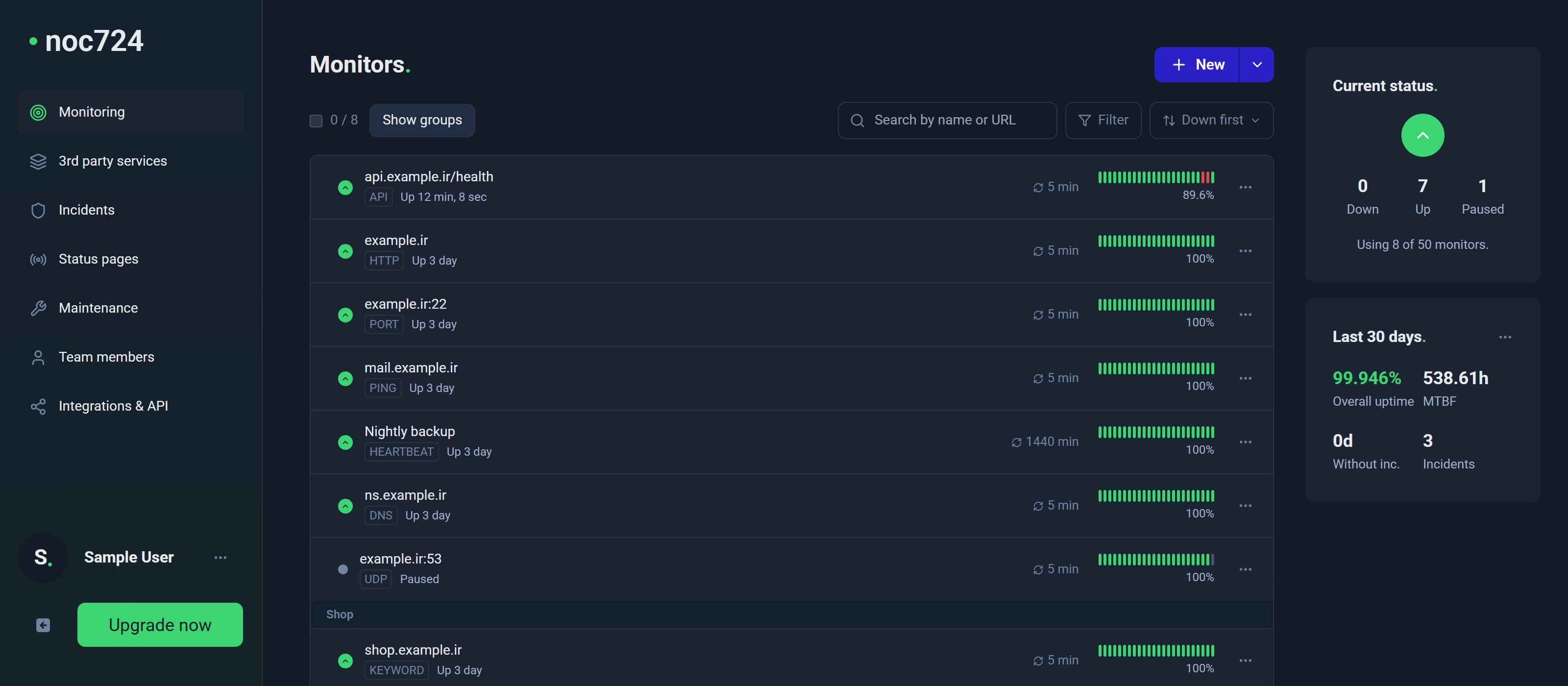
One page that answers “is it down?” before anyone has to ask.
Status pages read straight from your monitors: when a check fails, the page shows it within the same check interval - no manual updates needed.
Status page FAQs.
A status page shows the current health of your services and their recent history in one place. It gives users a reliable page to check before they contact you.
8
monitor types
15s
fastest checks
Create your status page in 30 seconds.
Keep users informed with a hosted status page. No credit card required. 5 monitors for free.
Get a free status pageNo trial. No credit card.