Private locations.
Same checks,
from inside your network.
Run the noc724 agent in your office or data center and run the same checks from inside your organisation: compare inside with outside to see where a slowdown comes from, and check services that aren't published to the internet.
What private locations are for.
Inside or outside?
Check the same service from your network and from public cities. If it's fast inside and slow outside, the problem is on the internet side - ISP, CDN, routing; slow from both, it's the service itself.
Pinpoint where slowness starts
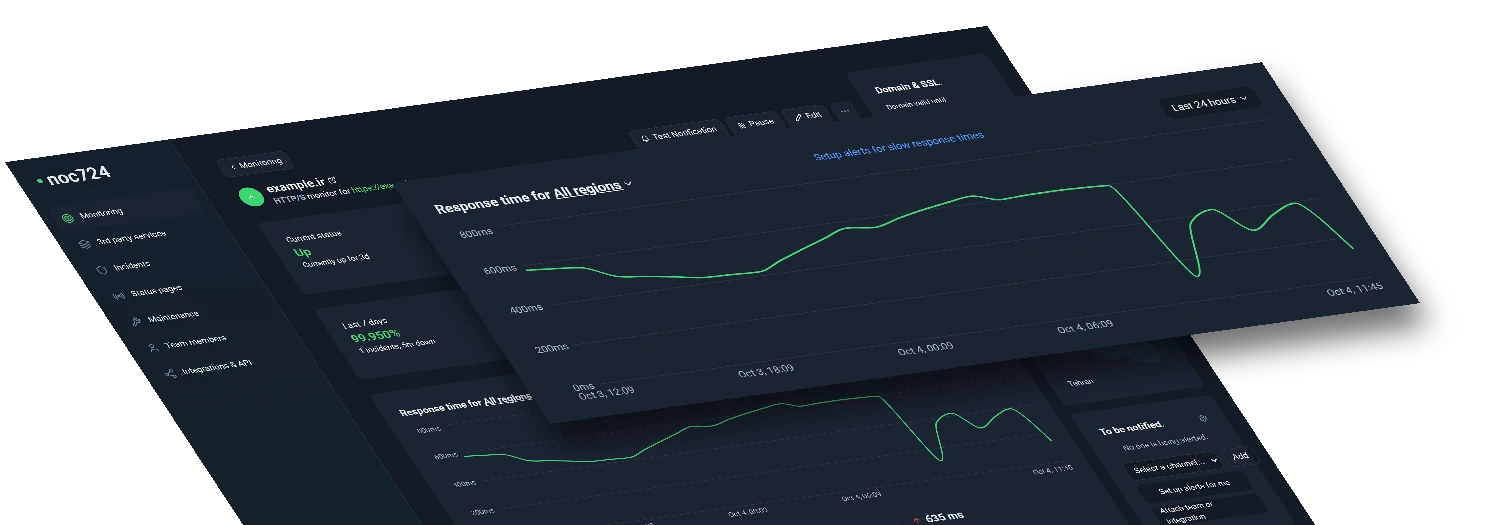
Response times are stored per location, so one chart shows your network next to the public locations and you see at a glance which side got slower.
Services that aren't published
Websites, portals and APIs that are only reachable inside your organisation - or not published yet - are checked from inside, with the same monitors.
The same checks, nothing new to learn
A private location runs the checks you already use from outside: website, keyword, API, port, ping, DNS and UDP - with the same settings, alerts and status pages.
Incidents that say where
When a check fails, the incident names the locations that saw it - your network, public cities, or both - so the first question is already answered.
Before you go public
Watch a new service from inside while it's still internal, then add public locations the day you publish it - same monitor, same history.
One command to connect.
docker run -d --name noc724-agent \
  --restart unless-stopped \
  -e PROBE_TOKEN='np_••••••••' \
  node:20-alpine sh -c '…'
Pick it like any other location.
Inside vs outside, on one chart.
Know your agents are healthy.
Secure by design.
Outbound HTTPS only
The agent calls noc724; nothing calls in. No inbound ports, no VPN, no firewall changes beyond outbound 443.
Yours alone
A private location belongs to one team. No other customer can see it, pick it or run checks on it.
One revocable token
Each agent has its own token, shown once. Reinstall issues a new one and the old one stops working at once.
Light and stateless
A small container on any Linux server, VM or Kubernetes cluster. It keeps no data: results go straight to your dashboard.
All you really care about
monitored in one place.
From websites and APIs to servers and cron jobs, noc724 watches every layer. Eight monitor types, one dashboard.
Frequently asked questions.
A check location that runs inside your own organisation. You install the noc724 agent on a server in your office or data center and your monitors are checked from there too - next to the public cities - so you can tell an internal problem from an external one and check services that aren't published to the internet.
8
monitor types
15s
fastest checks
Know if it's inside or outside.
Available on the Team and Enterprise plans.
Get started