Monitoring
Incidents
Status pages
Maintenance
Team members
Integrations & API
N.noc724 team
Last 7 days
100%
0 incidents, 0 m down
Last 30 days
99.653%
1 incident, 3 m down
Last 365 days
98.441%
7 incidents, 6 d, 14 h down
May 26
97.849%
2 inc., 14 h, 30 m
Apr 26
100%
0 inc., 0 m
Mar 26
99.402%
1 inc., 4 h, 6 m
Feb 26
98.214%
2 inc., 7 h, 30 m
Cron job monitoring
that catches the run
that never happened.
Your scheduled jobs check in with noc724 when they finish. If a check-in shows up late or not at all, you get an alert, so a job that quietly stopped running never slips by.
Monitor cron job completions.
Monitoring
Incidents
Status pages
Maintenance
Team members
Integrations & API
N.noc724 team
NOC724
↻ 5 min
noc724
Nightly backup did not check in!
Last 24 hours
94.849%
Last 7 days
100%
0 incidents, 0 m down
May 26
97.849%
2 inc., 14 h, 30 m
Monitor intranet devices
connected to the internet.
Use Windows Task Scheduler
for monitoring.
Monitoring
Incidents
Status pages
Maintenance
Team members
Integrations & API
N.noc724 team
When should we expect your request?
We will expect the request from your service every day
We will wait max 10 minutes for your request before we consider it as not received.
Windows PowerShellCopyright (C) Microsoft Corporation. All rights reserved.PS C:\Scripts> Invoke-WebRequest -Uri "https://noc724.ir/api/heartbeat/k3x9..."StatusCode : 200StatusDescription : OK
Alert notification channels.
SMS
+98 912 000 0000
Telegram
Ops team channel
Bale
On-call group
Webhook
https://hooks.example.com/noc
Choose your preferred type
of notifications.
Easy setup: 4 clicks to create
a cron job monitor.
Be the first to know when a scheduled job stops running. Reliable monitoring warns you before a missed backup or report turns into a problem.
Advanced features for advanced users.
Multi-location checks
Choose the regions your monitors check from and catch issues that only show up in some parts of the country.
Recurring notifications
Set a repeat interval so an ongoing outage keeps reminding your team until it's fixed.
Maintenance windows
Set up maintenance windows to pause the monitoring during the maintenance.
Custom HTTP requests
Need to send an advanced HTTP header? We've got you covered!
Know more than
just up or down.
Multi-location checks, response time tracking, SSL and domain expiry alerts. The details that tell you what's really going on.
All you really care about
monitored in one place.
From websites and APIs to servers and cron jobs, noc724 watches every layer. Eight monitor types, one dashboard.
Inform your customers about
incidents with status pages.
Be transparent. Tell customers about planned outages and show them that you work to keep your service 100% online.
noc724
Monitoring
Incidents
Status pages
Maintenance
Team members
Integrations & API
Monitors.
api.core-backend-v2
HTTP · Down for 42m
www.client-eshop.ir
HTTP · Up 14d 2h
db-replica-01 (Port 5432)
PORT · Paused 24d
mx.company-mail.ir
DNS · Paused 1h
Invoice-Generator-Cron
HEARTBEAT · Up 5m 35s
Invite team member
Phone number
We will text the invitation to this number. If there is no noc724 account behind it yet, they will be invited to create one.
Role
Editor ⌄Add your team members
to keep them notified.
Invite your whole team to see your monitors, get alerted and work on incidents together. Choose from four levels of access: admin, editor, viewer and notify-only.
Catch every incident before it reaches your users.
Get notified the instant something breaks: by SMS, Telegram, Bale, Soroush Plus or webhook. Watch your whole stack from one place and pick the channels that reach your team fastest, so critical issues never sit unseen.
Monitors.
api.core-backend-v2
HTTP · Down for 42m
www.client-eshop.ir
HTTP · Up 14d 2h
db-replica-01 (Port 5432)
PORT · Paused 24d
mx.company-mail.ir
DNS · Paused 1h
Invoice-Generator-Cron
HEARTBEAT · Up 5m 35s
NOC724
5 min
noc724
Down monitor detected!
Last 24 hours
95.420%
Get inspired by
the use cases.
Monitor the internet connection or power status of critical infrastructure
Ensure scheduled tasks and cron jobs run successfully
Track the uptime of devices connected to the internet
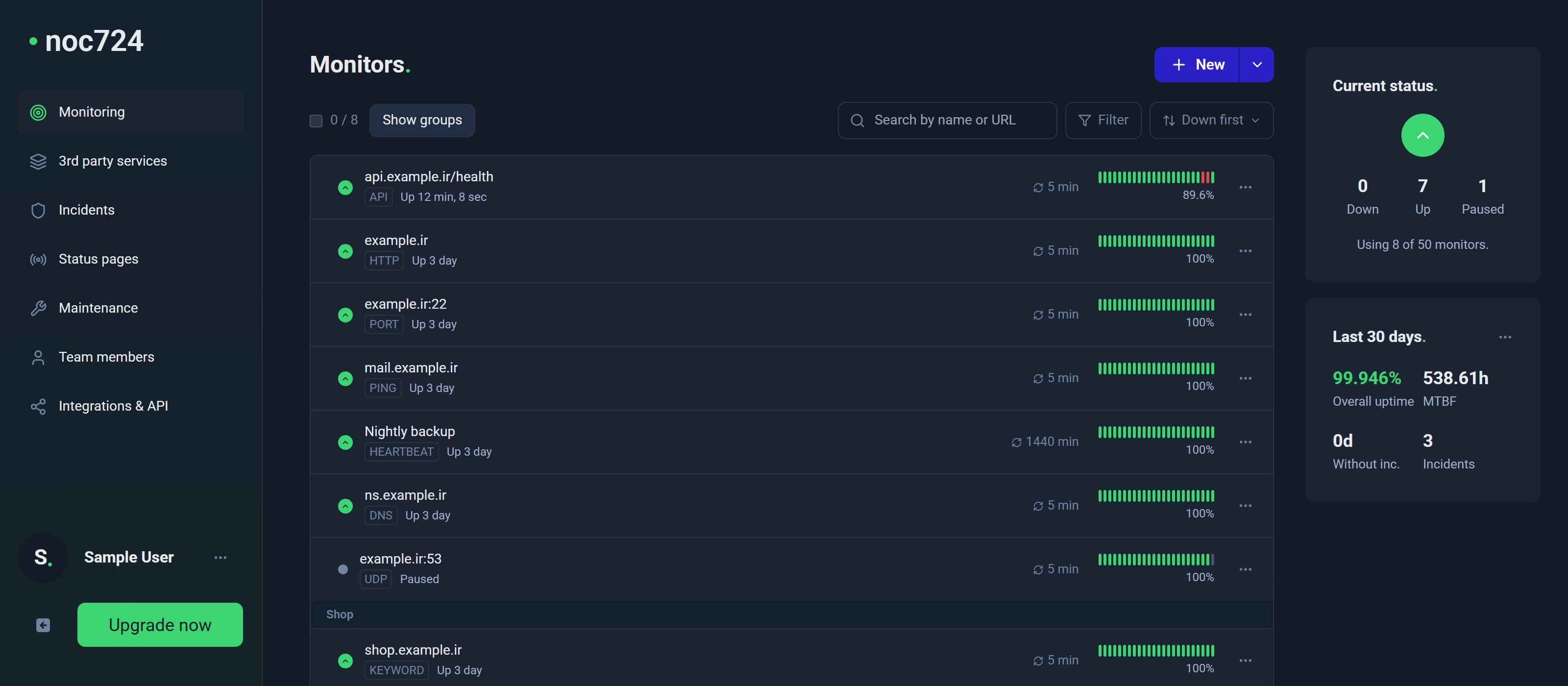
A backup that silently stopped running is found the next night, not the day you need it.
Every missed check-in opens an incident with its exact time, and your team is alerted on the channels they already use.
Frequently asked questions.
Cron job monitoring (also called heartbeat monitoring) watches scheduled tasks by waiting for them to check in.
You create a monitor and get a unique URL. Your job calls that URL every time it finishes. If no call arrives within the expected interval plus the grace period, noc724 opens an incident and alerts you.
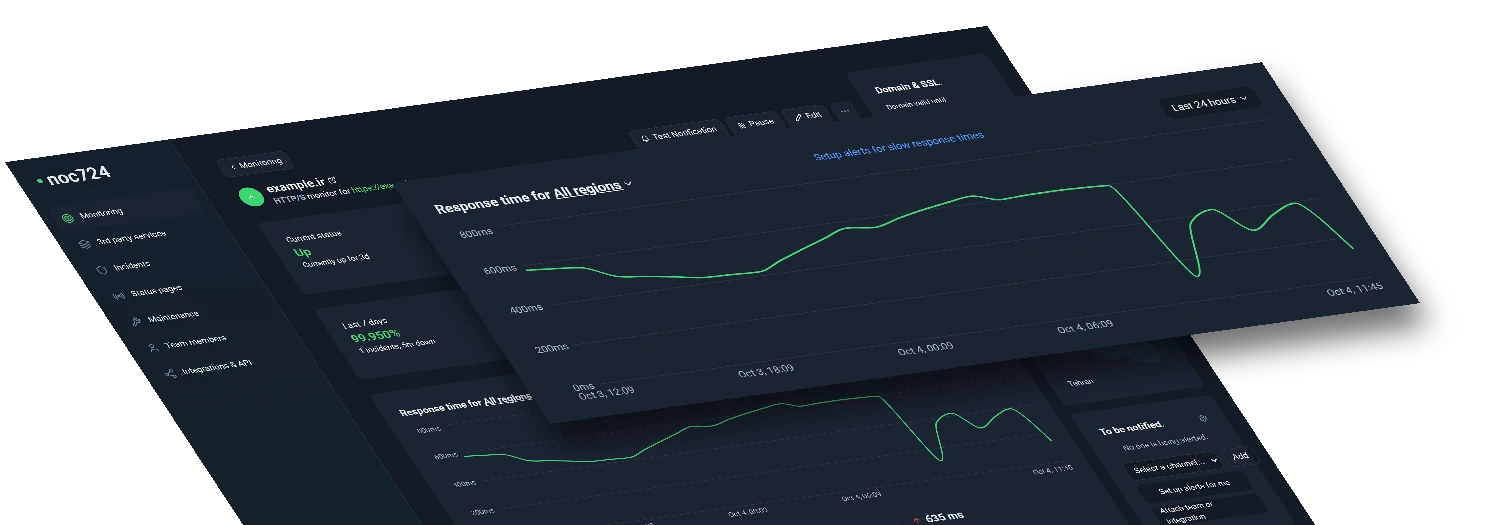
8
monitor types
15s
fastest checks
Get your FREE account now, 5 monitors included!
Start monitoring for freeNo credit card required!